Whether you have the Bookshare.org apps for iOS or Android or use Bookshare institutional or individual membership, there are some new tools available from Bookshare.org you will want to know about. Check out the above link to find out how you can get more information.

Bookshare Team's avatarBookshare Blog

The word is getting out; you may have heard. Bookshare is planning an announcement that is going to make it quicker and easier to use! Want to attend one of the webinars about how to use the new tools? Sign up and mark your calendars today!

Date: Wed, Feb 13, 2013
Time: 3:00 PM EDT, 2:00 PM CDT, 1:00 PM MDT, 12:00 PM PDT
Register Here.

Date: Thurs, Feb 21, 2013
Time: 4:30 PM EDT, 3:30 PM CDT, 2:30 PM MDT, 1:30 PM PDT
Register Here.

Space is limited.

View original post

Posted in Apps for Special Needs, Reading, Text to Speech | Tagged , , , , | 2 Comments

i See-Quence app for Valentines Day

i See quence valentines icon

Preparing your special needs child or student for Valentine’s Day?

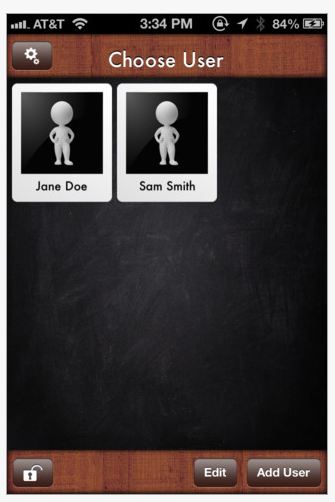
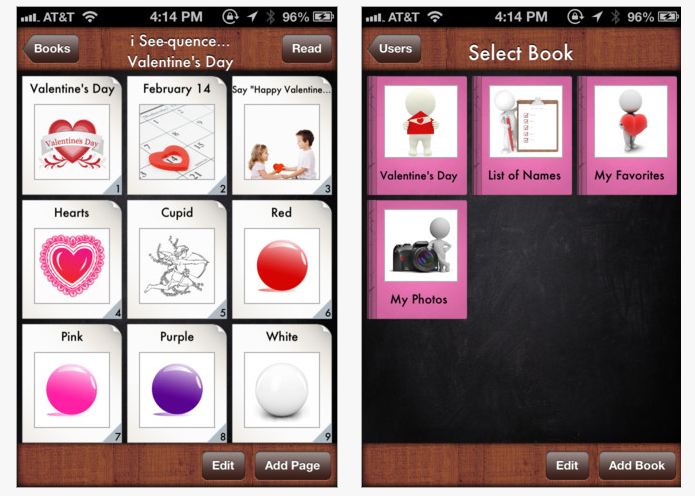
i See-quence Valentines Day Social Skills Stories helps users understand the process of Valentine’s Day. Developed by i Get it Apps LLC, it is one of thirteen the i See-quence series of apps that focus on special events.

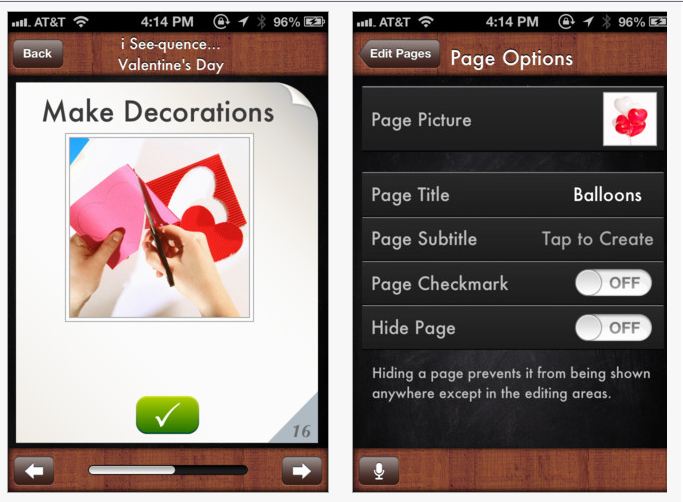
i See-quence Valentines Day app (.99) for iPhone and iPad is customizable, allowing multiple users and customization of pictures, text and audio of the special event.

i See quence valentines pic3i See-quence Valentine’s Day allows for creation of individualized story or sequence of events in preparation of the special day.

i See quence valentines pic1Images can be imported or inserted from the existing photo library with text and audio added. The ability to lock the story or book is also an added bonus reducing the possibility of your work being deleted by exploring fingers.

i See quence valentines pic2

i See-quence apps are easy to use and a simple format for users. Share with parent, teachers or fellow therapists who might want to use an app with an existing template to prepare for Valentines Day – which is just around the corner!

Carol

Posted in App Reviews, Apps for Special Needs, Autism, Customizable app, iPad, iPhone, iPod, Social Skills, Special education, Special Events | Tagged , , , , , , , , | Leave a comment

Letter Reflex App – On Sale!

LetterReflex3

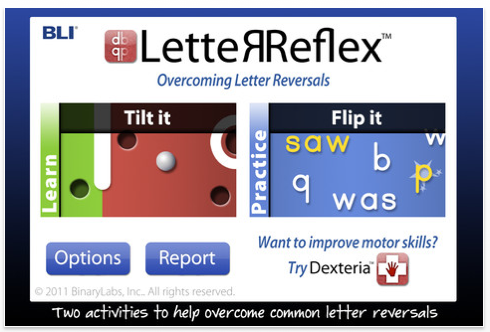
Letter Reflex icon LetterReflex by BinaryLabs (1.99 – currently on sale from 2.99) is an interactive app focusing on challenges of letter reversals for iPhone/iPad. Previously reviewed on OT’s with Apps, it’s unique features for intervention makes it worth reviewing again while on sale.

Binary Labs describes Letter Reflex app as a fun way to learn the correct orientation for common letters “b” or “d” and “p” or “q” and numbers 3, 6, and 9. The activities use kinesthetic learning to teach mapping of left/right sides and correct letter/number formation (retrieved on 2-2/2013 from: http://www.dexteria.net/). Geared to kids, it is a arcade game app with interactive games involving tilting and flipping activities to aid in visual discrimination of letters.

To get a better idea of just how this app works watch this video created by a4cwsn.com as shared on BinaryLabs website of LetterReflex:

Other attractive features of the app include tracking and progress reports with accuracy and speed that can be emailed for monitoring user achievements.

Advance for Occupational Therapy, in their App of the Week review by Angela Woods, OTR/L, “Helping Children with Letter Reversals” provides a review of LetterReflex app and an app rating of 4-5 stars (out of a possible 5 stars) in seven of the eight areas rated. She also provides her own child’s responses to app use, nothing better than reports from targeted users!

LetterReflex app is a unique, interactive app working on visual discrimination of letters. Is this app in your OT mTool Kit? Do you have suggestions or experience with this app? Please share!

Carol

Posted in App Reviews, Apps for OT's, Apps for Special Needs, Handwriting, iPad, iPhone, iPod, Letter Formation, Occupational Therapy | Tagged , , , , , , , , , , , | 2 Comments

Panther Connect App

Panther connect pic5

Panther Technology provides a number of apps providing innovative direct access using the iPad for access to your standard computer, writing and generating math problems.

Their  access app, Panther Connect  features  methods of interacting with your computer using your iPad.  Here is a new video that provides a glimpse of some of the features of Panther Connect used:

What an innovative app for the iPad for access to the computer! Any experienced users of Panther Connect?

Carol

Posted in Accessibility, App Reviews, Apps for Special Needs, iPad, Mobility Impairment, Occupational Therapy, Physical Disability Tool | Tagged , , , , , | Leave a comment

Top 9 Writing Apps | Reading Rockets

Reading rockets pic for literacy app

Image from Reading Rockets.org

Top 9 Writing Apps | Reading Rockets.

Reading Rockets reviews nine top writing apps. Some of the apps are for handwriting and others support the process of writing. I might have my own list of my top nine but this list familiarized me with a few new apps.

From an OT, teacher or parent standpoint what apps would be your top 9 writing apps?

Carol

Posted in AT for Handwriting, Handwriting, Writing | Tagged , , | Leave a comment

Memory Apps for Dementia

Memory apps for Dementia icon

Image from Memory Apps for Dementia.org.uk

Memory Apps for Dementia

Alive! a charity project initiated in 2010 for residential care homes in UK researched methods of improving the quality of live of the residents through activities. One of the methods of activities utilized iPads with individuals with Dementia to research their effects:

  • Experiences of the individual users and impact of the staff workers
  • Understand the potential of the use of the devices
  • Identify how technology can be and effective intervention in care of individuals with dementia

Research data was gathered during a 6 month period with focused groups and individuals. Result of the research found:

  • Communication increased when participants (older generation) used the devices with younger individuals
  • Quality of life improved including communication, learning and improved resident and staff relationships

Advantages of tablet use were found:

  • Touch technology was reported to be easier to use than a computer and mouse
  • Found to be portable and adaptable
  • anecdotal information reported increased awareness and memory
  • Provided social networking opportunities

A wide variety of apps were made available on the iPads, many of them free. Favorite and recommended apps  according to the Alive! program:

  • Math App
  • Midnite HD Lite
  • Sand Garden
  • iFish Pond
  • Tongue Twister
  • Let’s Create! Pottery HD
  • Line Art
  • SoundPrism
  • Garageband
  • Lifejournal Pro
  • Talking Tom
  • 150 Years of History
  • Skype
  • Wikipedia
  • Google Map & Earth
  • YouTube

The website Memory Apps for Dementia supplies more information on the research, how they use the apps,  and all you need to know about the project.

An extensive report from the University of Worcester dated December 2011 entitled ” Evaluation of the Impact of Touch Screen Technology on People with Dementia and Their Carers Within Care Homes Settings” provides more information on the research and is available at: http://memoryappsfordementia.org.uk/wp-content/uploads/University-of-Worcester-iPad-report-2011.pdf .

Working with individuals with Dementia? What has been your experience with the use of iPad for intervention or engagement?

Mobile technology can have its place in occupation throughout the life span!

Carol

Posted in Apps for OT's, Cause and Effect apps, Cognitive Impairment, Geriatrics, iPad | Tagged , , , , | Leave a comment

Visual Spatial Awareness Apps and Games

Visual spatial awareness3

Visual perception is often a skill that OT’s assess and work on with children and adults. There is also a high correlation between visual perception and mathematic abilities, skills students need to achieve in school (The Free Library. N.p., 22 Sept. 2004. Web. 26 Jan. 2013). Here is one app that works on basic spatial awareness involving spatial orientation and rotation as well as a few manipulative “hands on” games that would reinforce those skills primarily geared to children. See additional links to resources for adults at end of this post.

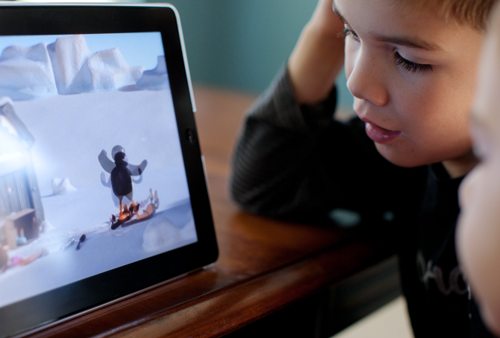
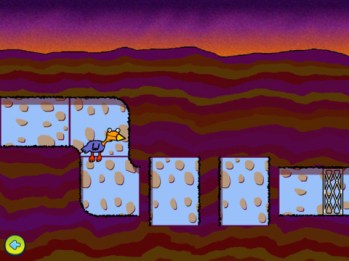
Tunnel Trouble app (.99) available for iPad and Android devices is a fun, progressive game requiring spatial reasoning. Created by Busythings, this app provides 25 progressive challenges of a creature navigating to a destination safely.
Tunnel Trouble pic1

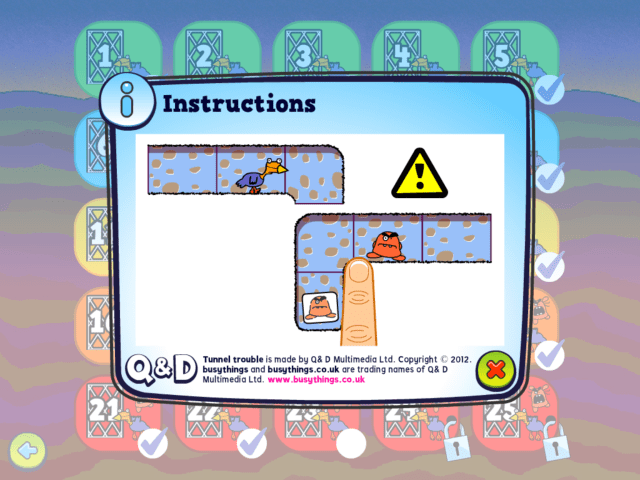
Tapping on the pieces that need to be rotated allow passage of the creature to his destination. An unlimited number of rotations can be made.

Upper level challenges provide an additional level of difficulty, presenting a monster that will interfere with the journey unless captured using spatial reasoning strategies.

Tunnel trouble pic2

Twenty five levels of progressive difficulty are available however any user can go back to any level to repeat a level. Tunnel Trouble does not enlist users. If needing to track progress of different users, annotating individual users or taking a screen shot of the users last level would be necessary.

Tunnel Trouble pic3

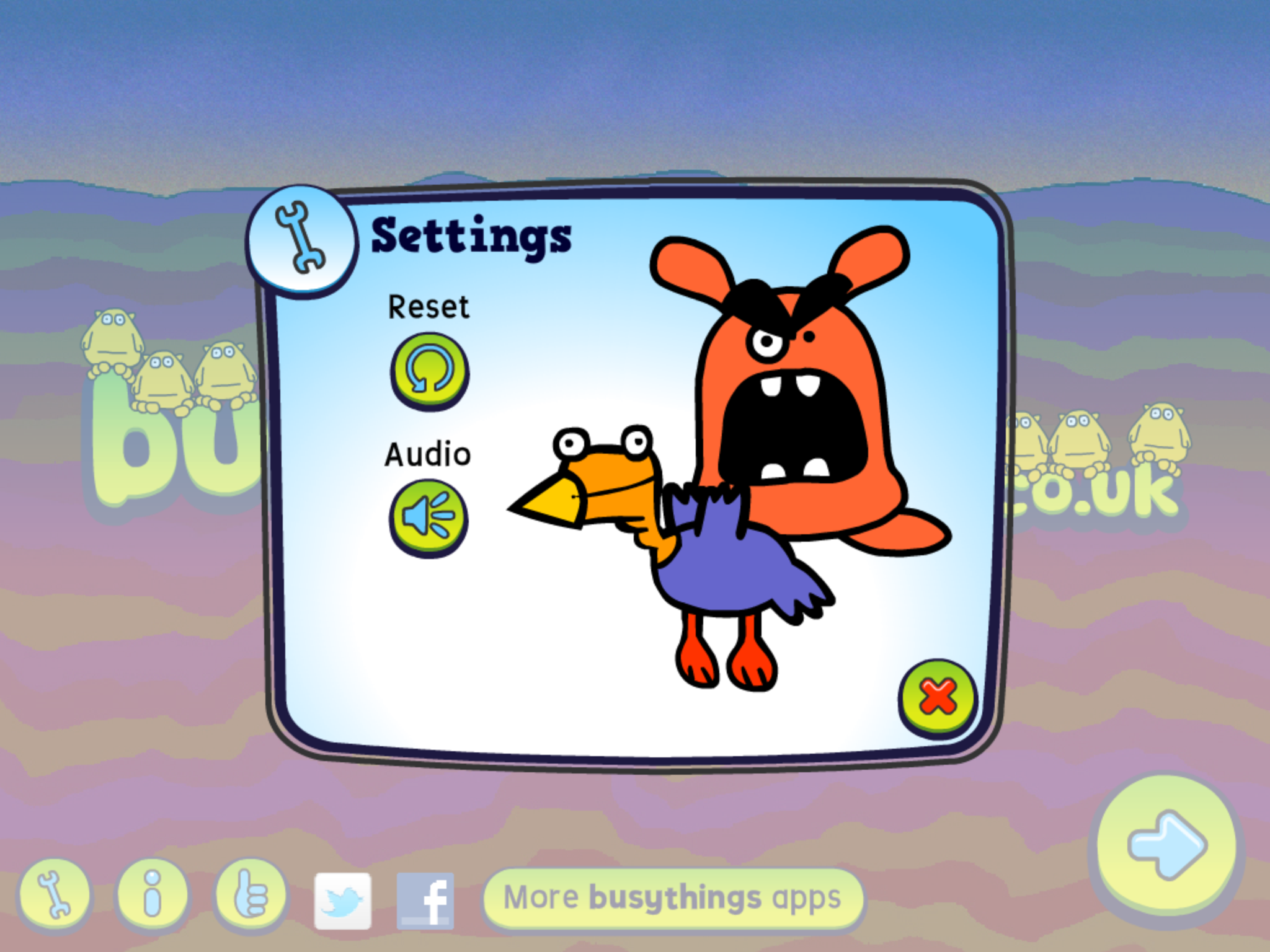
Options within the app are limited. Music and sound effects can be turned off in the settings and the app progress can be reset to start again.
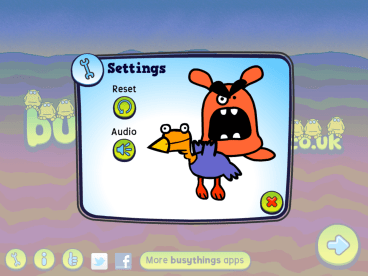
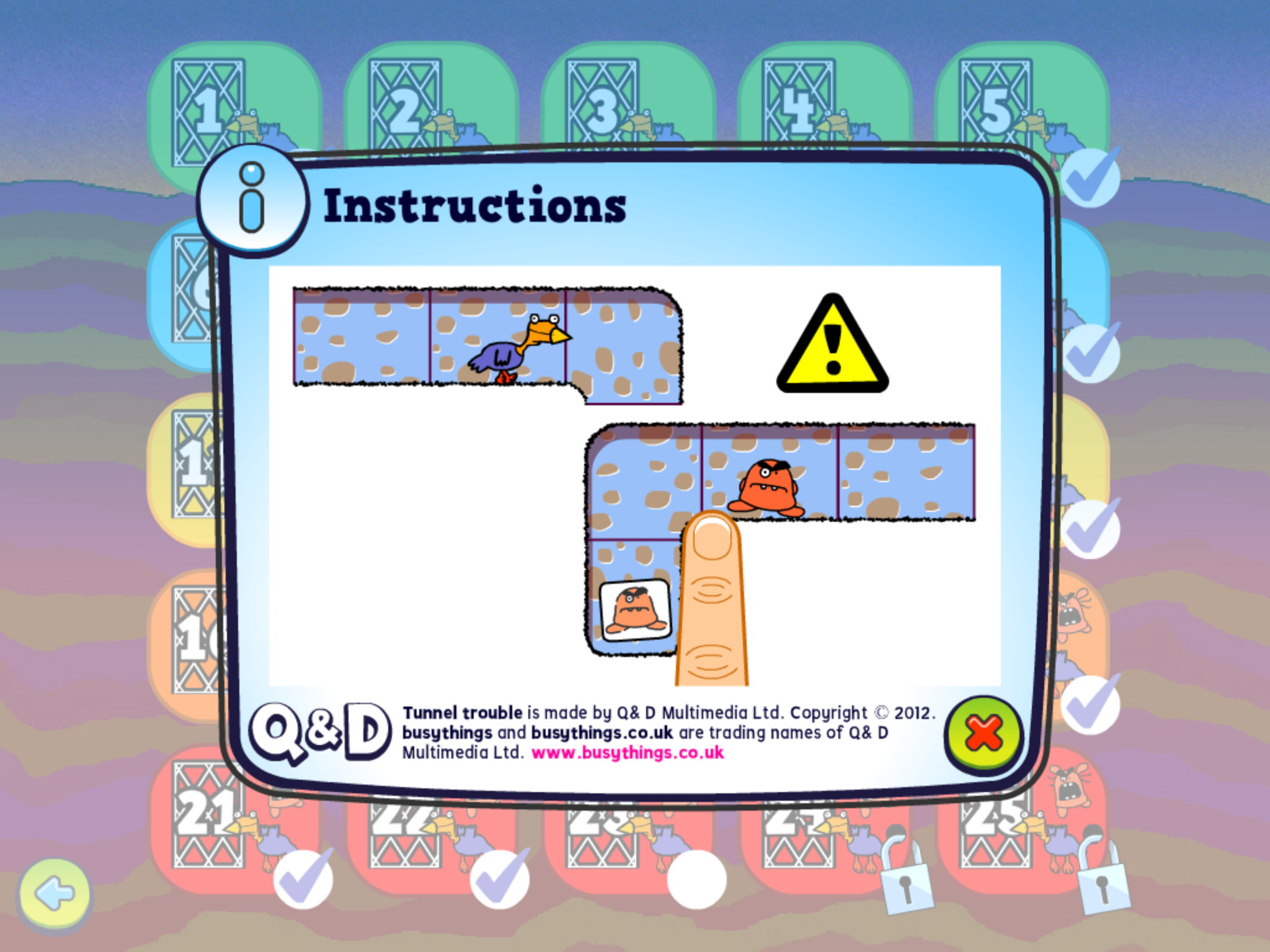
Tunnel Trouble settings pic4Quick animated instructions are provided to the user to understand how the app works.
Tunnel trouble pic5 instructions

Tunnel Trouble is a fun app providing graded spatial reasoning tasks in a fun and animated game format. Busythings.com also has several other visual perceptual apps as Block A Doodle DoLine Up , Shape Up and Tanagranimals.

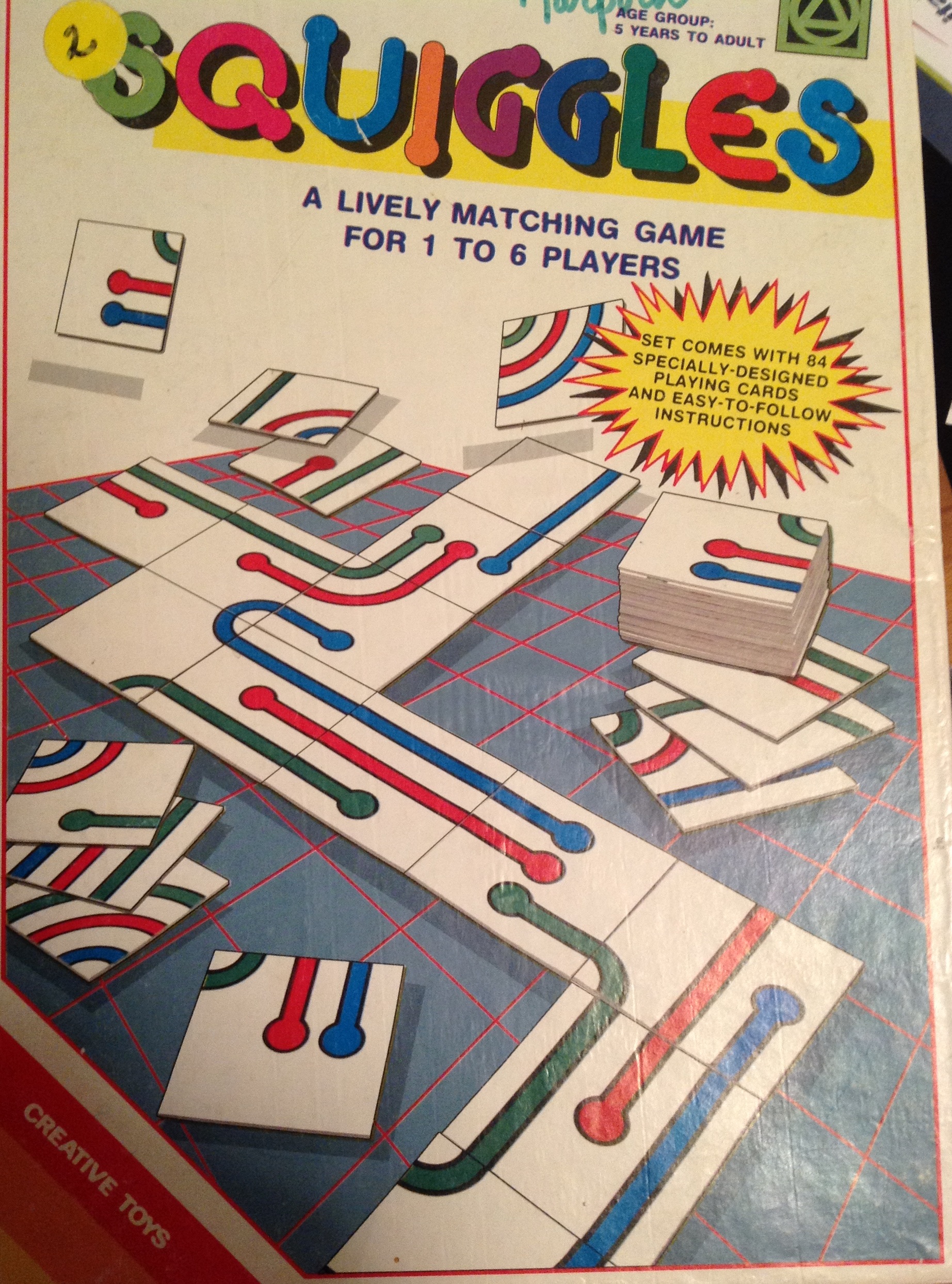
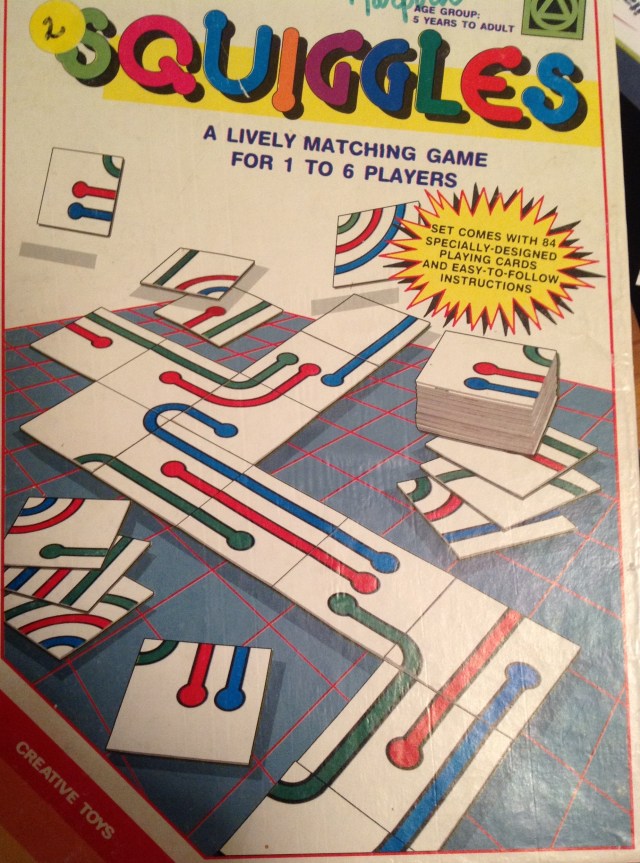
It reminds me of an educational matching game called Squiggles (by Creative Toys) that is a bit harder that I have used on occasion with students who have more advanced spatial reasoning skills. Probably not quite as fun as Tunnel Trouble, but Squiggles matching game is a hands on activity that students could physically manipulate the pieces to assemble the continues track. Certainly both electronic and manipulative activities help develop visual perceptual skills but electronic apps may lack the manipulative skill development children need.
Tunnel Trouble pi6

Here are just a few available manipulative (3-D) games that also might be considered to work on spatial reasoning skills with a hands on approach:

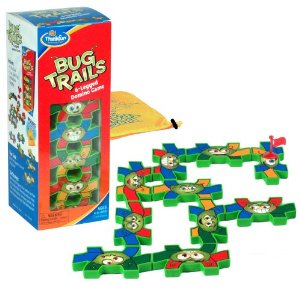
ThinkFun Bug Trails for ages 6-9 year olds. Match and link bug colors.
Bug Trails game

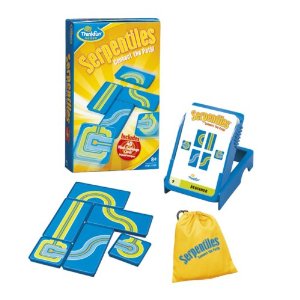
ThinkFun Serpentiles – recommended for 8-9 year olds. Match and link trails.
Spatial awareness game SerpentilesMany fun choices of games and activities available pending the need of your student. For those students who have significant motor challenges where manipulative tasks are difficult, touch screen interaction may allow them access to tasks otherwise not available to them.

Looking for visual spatial awareness apps for adults? Consider these resources:

Tactus Therapy Apps such as Visual Attention TherAppy and Space Retrieval TherAppy provide both children and adults assessment and visual training.

Family Vision Care.org has an Apps for Visual Skills PDF list revised November 2012.

Apps such as Flow Free (available iOS or Android), Flow Free with Bridges or Word Search apps (for iOS or Android) provide visual perceptual challenges with ability to customize levels.

What visual spatial awareness apps or manipulative activities are your favorites for developing visual spatial awareness? Please share!

Carol

References:

“Are Visual Perception Skills Related to Mathematic Abilities in Second to Sixth Graders?” Web log post. The Free Library. N.p., 22 Sept. 2004. Web. 26 Jan. 2013. <http://www.thefreelibrary.com/Are+visual+perceptual+skills+related+to+mathematics+ability+in+second…-a0125948684&gt;.

Posted in App Reviews, Apps for OT's, Apps for Special Needs, Education, Elementary School, Game, Visual Perception | Tagged , , , , , | Leave a comment

Photo Editing Apps Gone Free

Photo icon2

Are you in need of a photo editing app to put text on photos for your clients, students or children albums, social stories, instructions, or slide shows?

There are many of these apps available. iOSnoops had two photo editing apps listed as yesterday’s (January 24, 2013) free apps that you might want to check out (still free this AM):

Text Photo Editor icon  Text Photo Editor – Add labels, text, frames and a few emoticons to photos in this app compatible with iPhone/iPod/iPad. Basic and easy to use.

Pictures with words iconsPictures with Words free – (Always free?) – Add text to pictures with this app. I successfully use this app to add text to pictures for slide shows, photo albums. Easy to use, it is compatible with iPhone/iPod and iPad. This version has ads listed, requiring an upgrade purchase – .99 to remove the ad.

Looking for photo editing apps for Android?

Visit this review of Top 5 Free and Top 5 Paid photo editing apps for Android from FreeMake Blog :

http://www.freemake.com/blog/top-10-best-photo-editing-apps-for-android/

More for your OT or mTool Kit!

Carol

Posted in App Reviews | 2 Comments

Wheels on the Bus app – Free for it’s 4th Birthday!!

Duck duck moose happy birthday

Duck Duck Moose is having a birthday celebration!

It is Duck Duck Moose’s  Wheels on the Bus app’s 4th birthday on January 27th. For the birthday celebration they are offering Wheels on the Bus for free on their Facebook page from Friday to Sunday!

WOB_promo

Wheels on the Bus app provides the classic fun music, actions and interactive play as the song children for ages have listened and engaged with!

Here are a few features of this interactive app:

  • Read, sing, and play with your child.
  • Touch and move objects and characters on every page.
  • Discover fun surprises and sounds throughout.
  • Introduce your child to foreign languages: Spanish, French, German, and Italian.

WOBappKids have been entertained with the music and actions of Wheels on the Bus for ages! This is a fun, educational app for kids to engage in while learning! Available iPhone/iPod, iPad and Android for FREE this weekend!

Visit Duck Duck Moose’ Facebook at: https://www.facebook.com/DuckDuckMoose?fref=ts to get the free app!

Celebrate with Wheels on the Bus on Facebook!

Carol

Posted in Android, App Reviews, Apps for OT's, Early Childhood, iPad, iPhone, iPod, Occupational Therapy, Pediatrics | Tagged , , , , , , , | 2 Comments

iTrace App

iTrace app icon iTrace app for iPad (3.99) is a new handwriting/letter formation app developed by Elately iTrace .

Features of this app developed for writers ages 3-7 include:

iTrace app pic1

The ability to choose the letter formation style , enroll multiple users, track progress and provide incentives within the app are just a few of the attractive features of this app. Watch this video for more information about other features offered within the iTrace app:

iTrace app teaches the following concepts according to iTunes:

・Upper-case letters
・Lower-case letters
・Numbers
・Their name
・Words

Key features:
・600+ different rewards
・50 animated objects
・Supports multiple players
・Saves the entire history of each child’s progress
・Supports multiple methods of writing letters
・Left-handed? No problem!

Other aspects of this app that make it unique is it’s ability to level the task according to the skill of the user. It also provides repeated practice (3 times) in order to provide a motor memory of the letter formation, important for  gaining independence with letter formation. Carolina Nugent at KinderTown provides a great review entitled ” An App That Really Teaches Handwriting – iTrace” discussing the apps many features to considering if this belongs in your OT or teaching mTool Kit.

Thank you to Mrs. Koene, Special Education teacher for suggesting iTrace app!

Carol

Posted in App Reviews, Apps for OT's, Early Childhood, Handwriting, iPad, Letter Formation, Occupational Therapy, Writing | Tagged , , , , , | Leave a comment