App Gone Free – Spiffy Photo Editor

Spiffy Photo Editor icon

Spiffy Photo Editor App

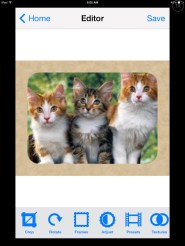
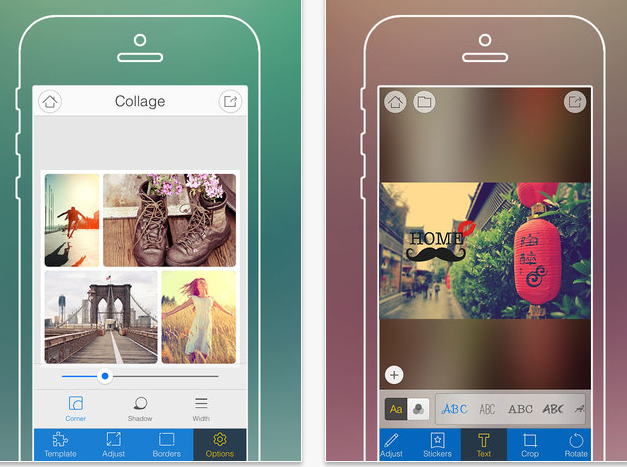
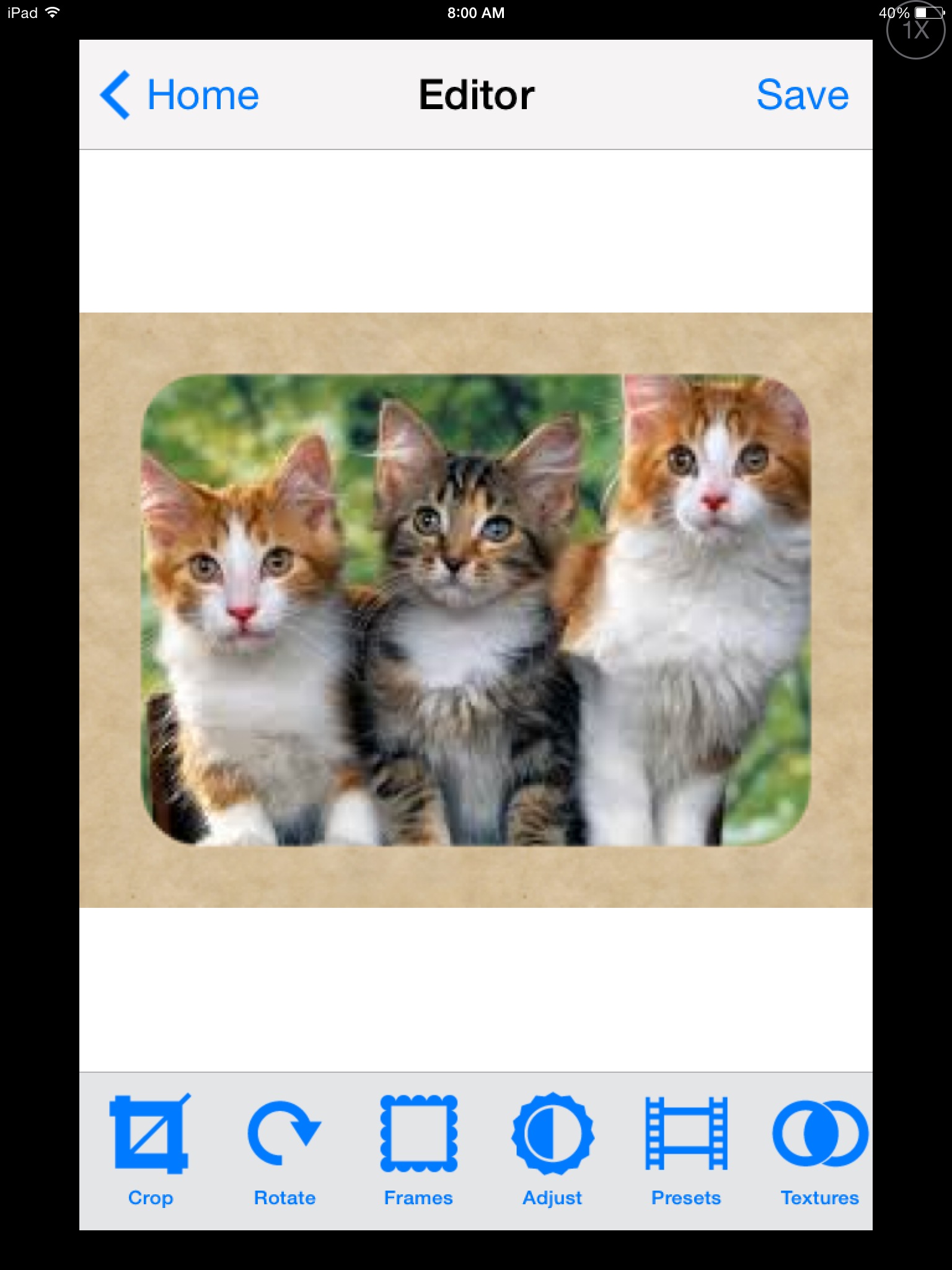
Spiffy Photo Editor iconSpiffy Photo Editor app (iPhone/iPad; .99), a photo editing app is currently free. Although not a huge savings, if you are in need of an app to do some photo editing if creating or modifying a book or story for a student, developing a quick social or sensory story, or pictures of the sequence of a task. Having a photo editing app makes the process a lot faster.  This app is very easy to use for quick photo editing such as:

  • Cropping
  • Frames
  • Add text
  • Rotate
  • Adjust the contrast
  • Backgrounds and photo effects….

Photos can be take from within the app or existing photos accessed from your Photo Album.

01a9a87f120d814da23ba2401a71d75a0eaa37ca56

01dd3e3283c5073703248bf42877bebb2fd95d291a


Spiffy Photo Editor app does not have a draw function or stamps tools, but it will allow you to crop it, rotate the picture (ever take pictures that came out sideways, grr…) type text, size and color it and move the text where you. Different fonts and colors for the text are available. Once your photo has been edited a new copy of the edited photo is created from the original photo. A photo can be taken directly within the app or an existing

Spiffy Photo Editor was developed for iPhone so you you can view it 1x or 2x which will fill the iPad screen. It does require iOS 7.0 which should be available to iPad2, 3, 4, and Air. No in-app purchases!

Fotor app picAnother free photo editing option is Fotor app, (iPhone, iPad;  in-app purchases). Fotor app has a few more bells and whistles such as stamps, creating collages, scenes and effects as well as offer basic editing (add text, rotate, some frames and stamps) without additional purchases.

Fotor app pic1

Although not a difficult to use, Fotor app it does have a few more tools to manage and navigate in my opinion. Photos can be taken from within the app or existing photos accessed from your Photo Album. Fotor app is also available for Android.

So if you are doing some app-smashing (using apps to create and use for another app)  for photo editing for storytelling apps, sensory apps, book creating or developing activities for your  students or projects, both apps are free (currently) and easy to use.

More for your teaching or OT mTool Kit.

Carol

Posted in Android, App Reviews, Apps for OT's, iPad, iPhone, iPod, Occupational Therapy, Photo, Photo Editing, Utility | Tagged , , , , , , , | Leave a comment

Dexteria Dots 2 – Fine Motor Skills and Math Concepts

Dexteria Dots icon2

Dexteria Dots 2

Dexteria Dots 2 App Review from Teachers with Apps

(As Scooped from: Dexteria Dots 2 – Fine Motor Skills and Math Concepts )

Binary Labs is known for quality educational apps, and Dexteria Dots 2 readily joins the ranks with exceptional content for kids, and it is also a blast!

Jo Booth, OT provides an extensive review on Teachers with Apps of Binary Lab’s new Dexteria Dots 2  app. I’m excited to use and share this app with participants at the OT’s with Apps Workshop next week. Thank you to Binary Lab’s generousity with promo codes for all of the participants!

Is this in your OT mTool Kit?

Carol

See on Scoop.itOT mTool Kit

Posted in Apps for OT's, Early Childhood, Fine Motor Development, Finger Isolation, iPad, Math, Visual Motor | Leave a comment

Tablift Stand for Tablets (iPads, Nexus, Dell Venue 8 and more) – Very Cool!

Tablift stand image

Tablift Stand

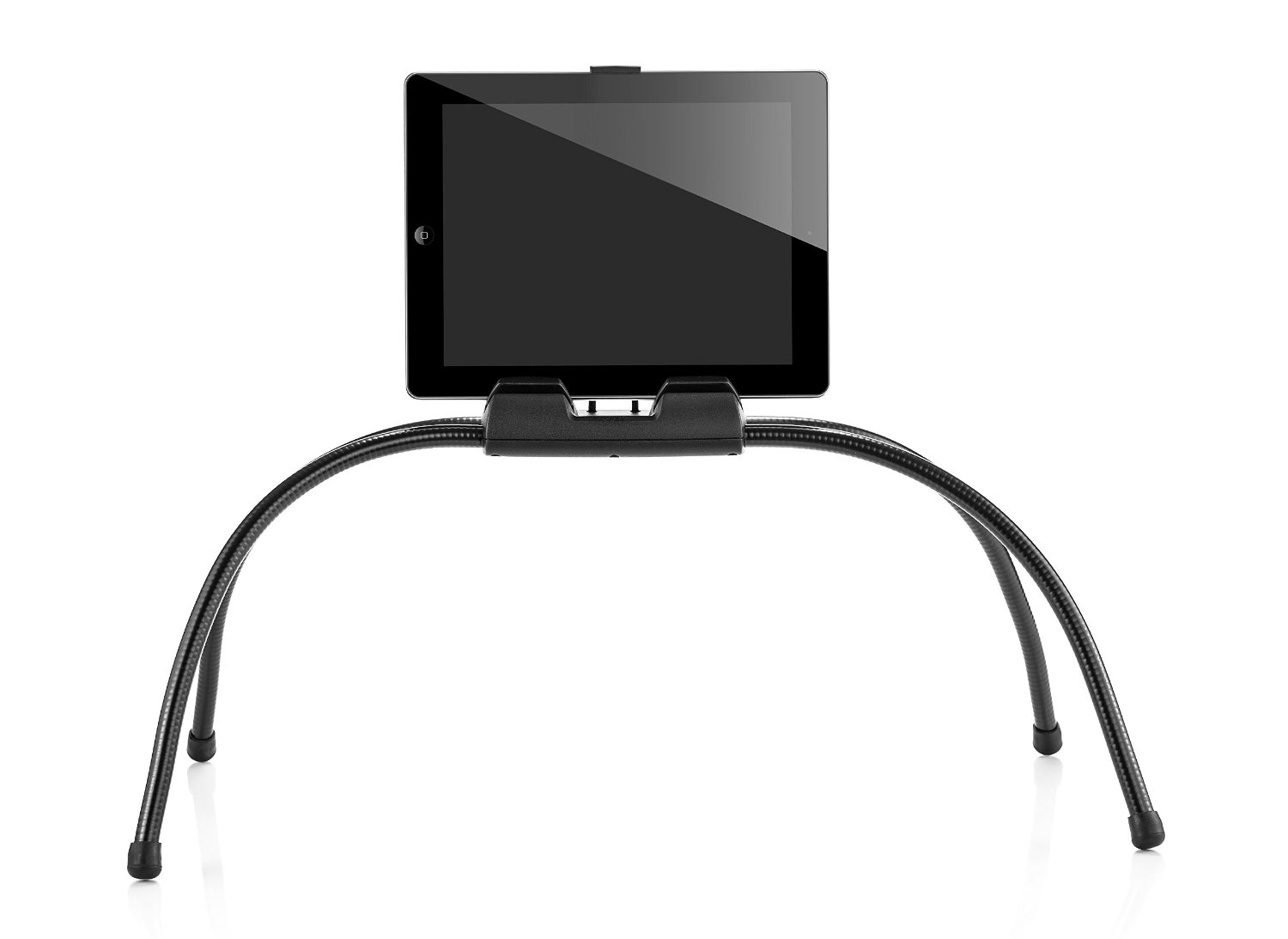
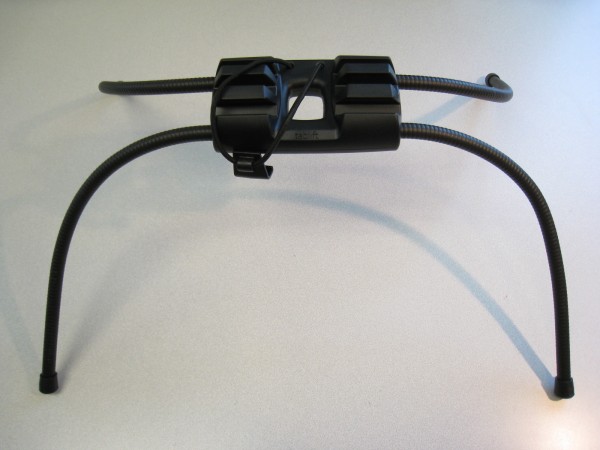
The folks at nbryte generously provided me with a brand spanking new Tablift Stand . Working with a wide variety of clients requires solutions for many different environments. Stands for students tend to be table or desk surfaces whereby stands for adults may require desk or alternative positioning, such as beds, couches or recliners. Finding flexible solutions is always important.  The Tablift is a flexible, multi-positioning device for uneven surfaces for all tablets.

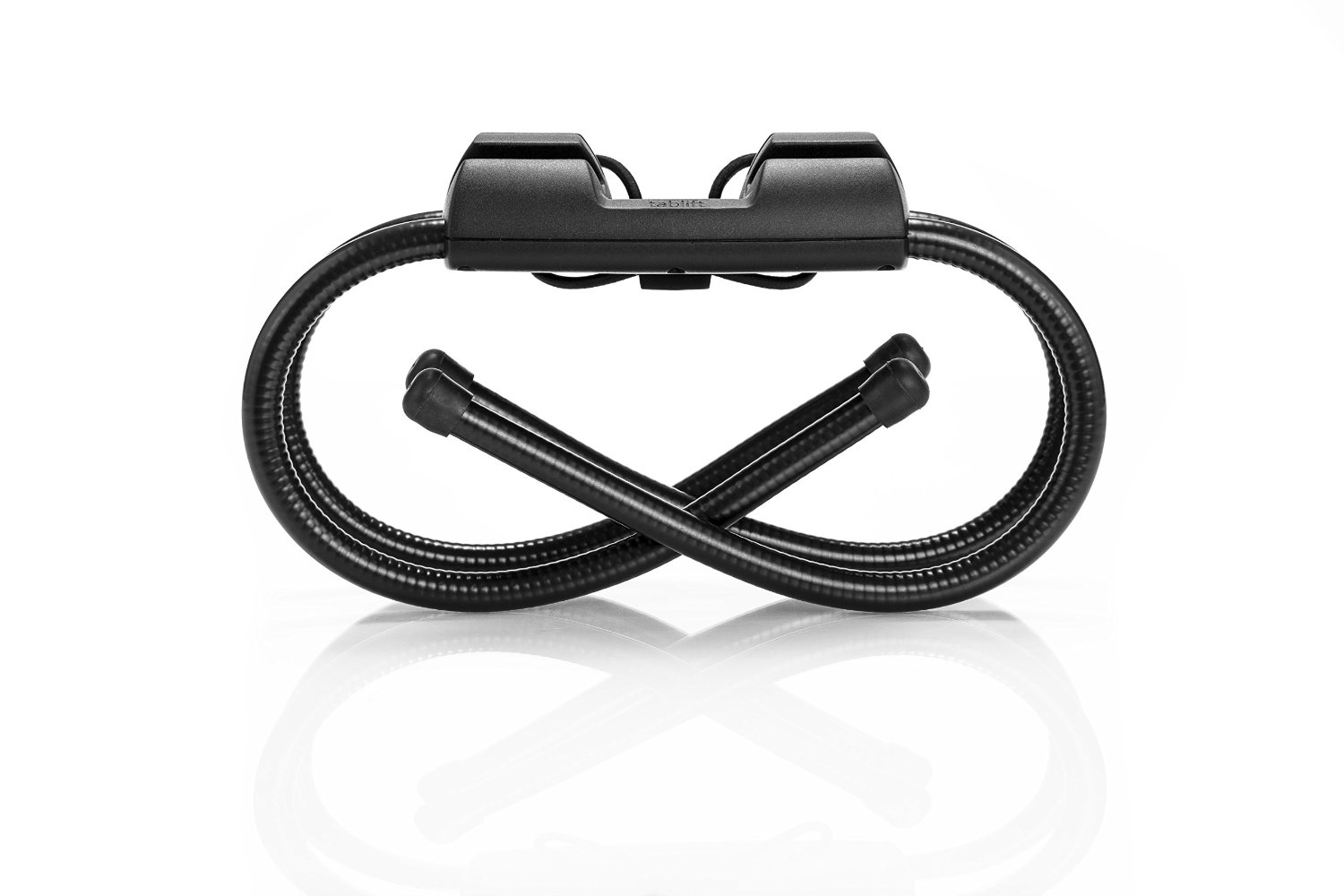
The Tablift Stand has flexible (gooseneck – like) legs for ease of positioning, storing and toting around. Although it has substance (weighs 1-2 pounds), it packs up pretty small offering portability, or small storage space if needed.

Tablift foldedThe stand features three positions suited to sitting, reclining or lying down. An elastic band with a clip fastens a tablet securely on the device.

Tablift positions image

Removal of the devices’ case is required for a secure fit in the stand.  It advertises as a stand for all tablets. I certainly could not trial all tablets but did use it with  several iPads (2,3, Air), Nexus and Dell Venue 8 tablets all which fit securely in the stand. You can reduce  the length of the strap that secures the devices by wrapping through the middle of the stand, a really easy and straight forward solution for different sized tablets.

tablift stand top

The Tablift Stand is a well engineered stand that affords stability and flexibility for positioning on uneven surfaces as well as viewing for the user. The middle opening also allows availability to charge the device while used.

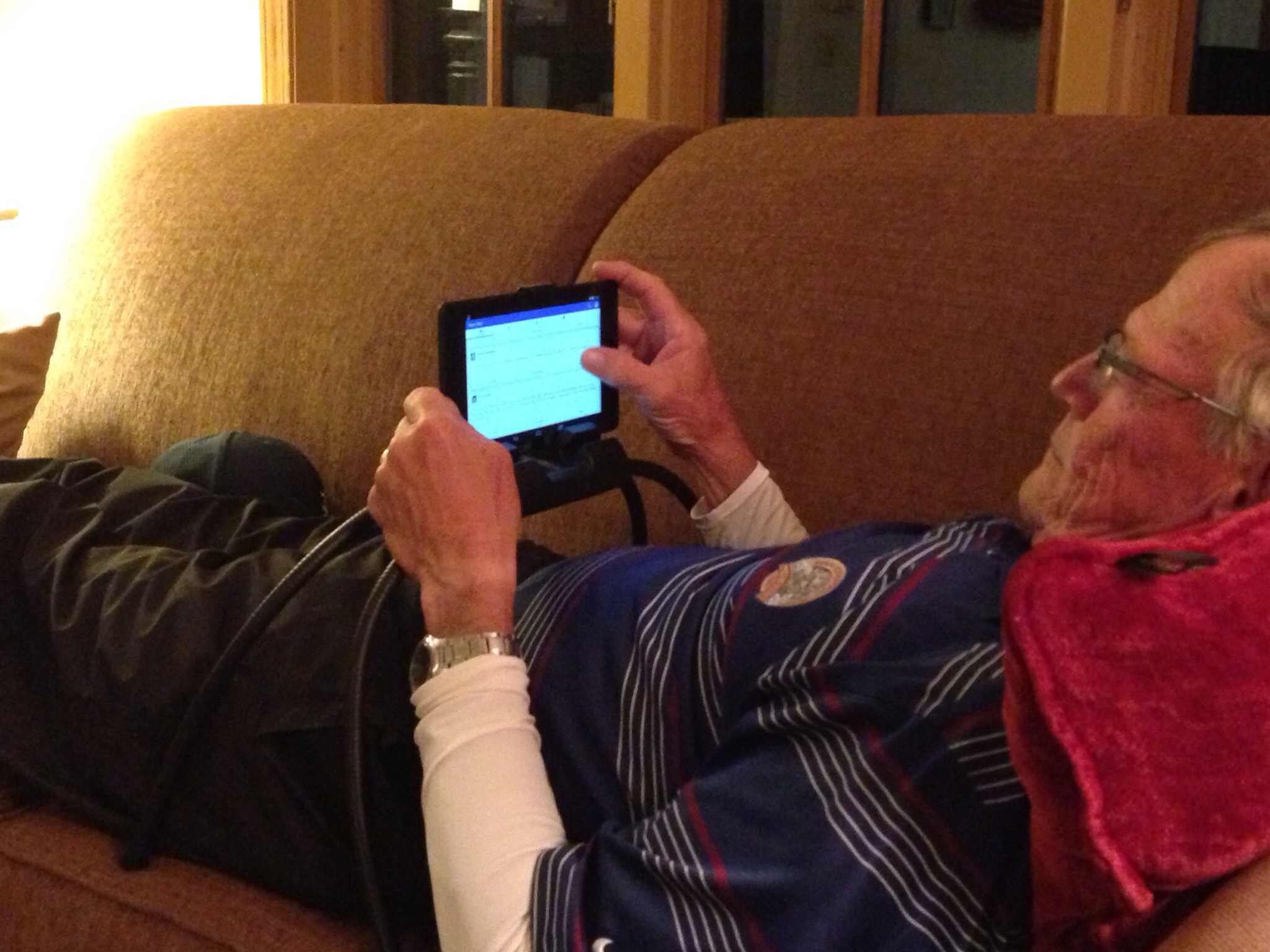
I had some assistance with trial of the stand and was able to observe the position and manipulation with its use. Positioning a device when in a reclined position can require reaching against gravity for operation, depending on the height and placement. This can be a challenge for clients with weakness or pain or just fatiguing for a typical user.  Although the user in the picture below does not have motor challenges, it was interesting to observe how the stand legs became a stable resting surface to his arms and hands and how easily a thumb or finger could be positioned to scroll or tap on the touch screen for device navigation.  The height and configuration of the stand allowed upper arms to remain supported with hands free for manipulation. Viewing position was comfortable, providing appropriate viewing angle when reclined –  especially for us those of us wearing bifocals who experience aging-in-place changes like presbyopia!

017ca87be2865943b70cc9a2f1f3645601ab8cfffa

The Tablift Stand sells for 59.95 at nbryte.com or Amazon ( temporarily out of stock at Amazon but available at nbyte.com) . Well engineered and adaptable, the stand provides ergonomic positioning options for individuals with disabilities as well as the general public.

Colleagues at Adaptive Technology Resources also trialed the stand with good reviews of its potential for adult clients needing alternative positioning with tablets. As for students use – I’ll find out what other OT’s think about the Tablift Stand at our August apps workshop next week!

What about the general public? Well, I know one user that quickly saw the benefits of the stand. All it took was seeing the stand, one trial and I believe I lost my stand and the couch! This is stand has great universal design features that can be used my many!!

Here is a quick video featuring the Tablift Stand:

Have you tried the new Tablift Stand? If you have, share what you think!

Carol

Posted in Accessories, Android Management, Assistive Technology, Ergonomics, iPad, iPad Management, Rehabilitation | Tagged , , , , , , , | Leave a comment

OT’s with Apps for School Based Therapist- August 11 & 12

OT's with Apps Promo image

What’s in your OT mTool Kit? 

Interested in functional ways to use your iPad as a tool in OT?

  • Manage your iPad and student iPad for safety and focused use?
  • Review apps for school based occupational performance using feature matching (handouts)?
  • Explore apps and methods of performing documentation, organization and other administrative tasks on your device?
  • Accessorize your  iPad – hands on exploration of equipment for scanning stands, stands, cases, styluses, keyboards and more.

The OT’s with Apps for School Based OT have a few seats available for the August 11 & 12 workshop. Join us to learn and share in this 2-day workshop!

Bonus! Participants in past workshops have received more than $50.00 worth of free app codes and accessories from generous developers! Promo codes for popular OT apps will be provided for participants in the August 11 & 12 workshop.

iPad workshop 8-2014 promo apps

Click here for more information on the workshop or registration information:

OT’s with Apps August 11 & 12 Workshop 

Hope to see you there!

Carol & Erin

Posted in Apps for OT's, Apps for Special Needs, Assistive Technology, Continuing Education, iPad, iPad Management, Occupational Therapy | Leave a comment

CyberChase Shape Quest App – A PBS Kids VR Perceptual Motor App


Shape Quest icon

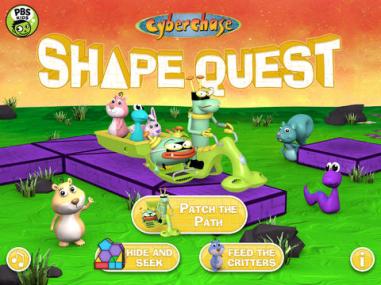
CyberChase Shape Quest free app developed by PBS Kids app for iPad and Android tablets providing a virtual reality games for ages 6-9. The app provides three games using geometry and spatial reasoning improve their problem solving skills. It is highly interactive,  requiring bilateral and motor planning skills to perform the tasks required of the games.

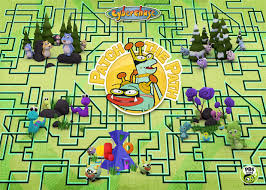
Three games are provided: Patch the Path, Hide and Seek and Feed the Critters requiring a printed sheet used to aim your tablet at for the virtual play.

shape quest pic5

Shape Quest board horizontal

Link to the PBS website document for printing is provided at the start of the app. Instruction on use of the printed sheet is given to get the hang of the app controls.

Shape quest pic4

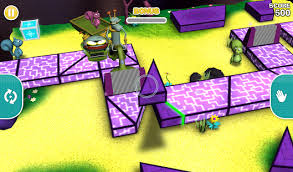
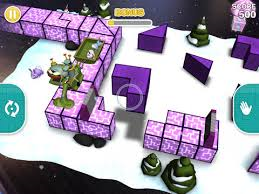
Now you are ready to play Patch the Path, the virtual reality game.  Use controls on either side of the app to pick up, rotate and move objects on the screen. Verbal directions are given to you during the quest. I also did some adjusting of my device that also aided matching placement. The game starts at a simpler level and progresses through 30 different levels in 5 different environments. The goal is to move to the next level and earn points in the process.  in difficulty as you accomplish tasks and earn points.

Shape quest pic2 shape quest pic3
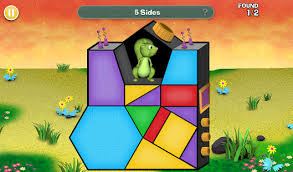
Hide and Seek and Feed the Critters games require visual motor skills and are not virtual reality games. They are suited for older kids due to the higher spatial reasoning and vocabulary required to complete the tasks.

Shape Quest pic6


Shape quest pic7


If you have older kids who are motivate to participate in electronic spatial reasoning tasks or need to work on higher level spatial reasoning skills, Shape Quest is well worth downloading. Actually it was rather fun playing the virtual reality game. For free it is well worth the download and experiencing virtual reality gaming.

Interested in learning about more virtual reality games for kids? Join the  OT’s with Apps @ School Workshop August 11 & 12th.

More for your OT mTool Kit.

Carol

Posted in Apps for OT's, Elementary School, Free apps, iPad, Occupational Therapy, Visual Memory, Visual Perception | Leave a comment

OT’s in Pediatric Practice – Take This Survey…

Take the Survey pic

Are you an OT practitioner working in a pediatric practice setting?

Master’s students from Misericordia University are doing a research project on the use of mobile apps by occupational therapists in pediatric practice settings.

Help them out by completing the survey at the link below:

https://www.surveymonkey.com/s/TQ39BYR

The students are happy for individuals to forward the link to anyone they know who might be willing to complete it!

I am looking forward to seeing the results of their survey!

Carol


Posted in Education, Occupational Therapy | Tagged | Leave a comment

AZTAP Google App Attack! Symbaloo

AZTAP Symbaloo pic

AZTAP Google App Attack! – Symbaloo

Looking for Google Apps and Chrome Extensions for your AT Tool Kit?  Look no more…  Check out this hot off the press Symbaloo collaborative work of Aaron Marsters and Mary Keeney from AZTAP – their collection of  Google Apps and Chrome  as AT!  What a fabulous  resource!

H/T to Aaron Marsters and Mary Keeney for sharing their collection!!

As scooped on OT mTool Kit Scoop.it!

Carol


Posted in Assistive Technology, Google, Google Chrome, Scoop.it | Leave a comment

Dyslexia font: Experience the ease of reading – Dyslexie font – The Assistive Technology Daily

The Dyslexia font makes reading easy and enjoyable for people with dyslexia. Experience the ease of reading and try the test now.

As scooped from Assistive Technology Daily Blog on July 2, 2014.

Assistive Technology Daily shares the information and links to understand more about the reasons and research backing the use of the Dyslexie font in their blog post Dyslexia font: Experience the Ease of Reading- Dyslexie Font”.

If you work with individuals with Dyslexia or learning disability you might want to consider this font option for your students or clients.

Carol – OT’s with Apps and Technology

Posted in Scoop.it | Leave a comment

Weekend Websites: 31 Keyboarding Websites

If summer is when your children are absolutely positively going to catch up on keyboarding, here’s a list of 32 keyboarding websites for all ages (be sure to view the full post–I have a free poste…


As scooped with Scoopit from: http://askatechteacher.com/2014/07/11/weekend-websites-32-keyboarding-websites/

It is mid-summer, halfway to the start of another school year. Oh, remember all those recommendations about working on keyboarding this summer? If you haven’t gotten started there is still time- if you get started now! And speaking of resources…

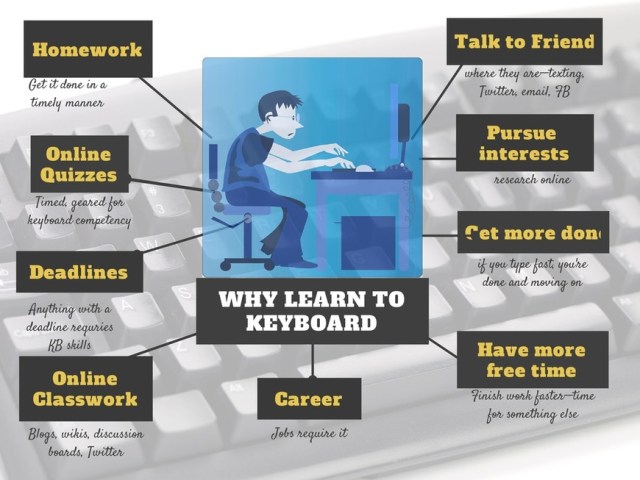
Jacqui Murray, author of  Ask a Teacher.com, nails it with her comment, “summer is when your children are absolutely going to catch up on keyboarding skills”. Heard that before? Well it’s time to dig into her list of  32 keyboarding websites offered in her post Weekend Websites: 31 Keyboarding Websites” and get those fingers keying!

Over the years I have discussed keyboarding practice with many parents. One suggestion I made was to use different keyboarding programs to keep the skill and drill novel.  Hmm…, think 32 potential keyboarding options provides enough novelty???

And don’t you just love her infographic ??

Thank you to Jacqui for all your resources!

Carol from OT’s with Apps and Technology

Posted in Keyboarding, Scoop.it | 2 Comments

Visual Perceptual Apps for Preschool and Primary Students

Visual perceptual appsThe iPad is a great tool for providing supplementary visual perceptual and visual motor therapy or home programming activities. Features of the iPad can allow verbal feedback on performance, language reinforcement and options of graded activity levels to the user depending on the app.  Perusing educational app curation sites I found a few  visual perceptual apps that were highly rated for preschoolers that I thought would be worthwhile testing out. Here are a the two apps that came with good recommendations for preschoolers. They do have good qualities, however what aged child might you use these apps with??

Here are the two apps trialed:

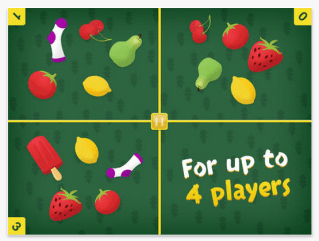
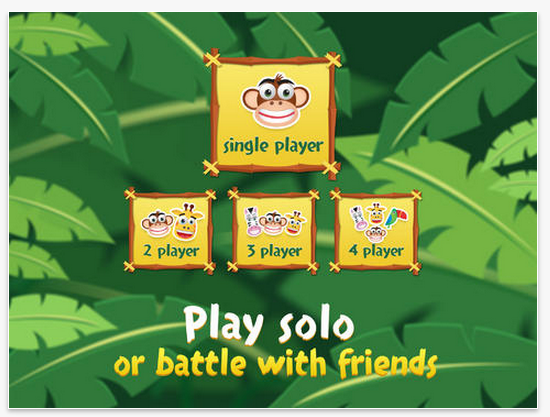
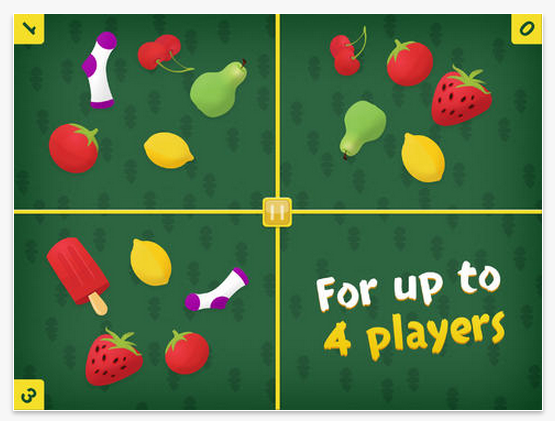
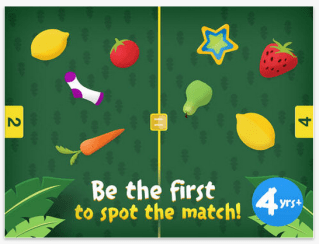
Match Blitz icon iOSMatch Blitz app (free; iPad/iPhone) from the developers at Shiny Things is a high quality matching game for young kids. The matching game can be played individually, with 2, 3 or 4 players. It requires quick matching of shapes and objects.Match Blitz pic1 The matching game can be played individually, with 2, 3 or 4 players. It requires quick matching of shapes and objects to beat your time. Match Blitz pic2 Match Blitz pic3 Match blitz pic4
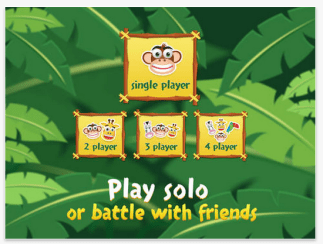
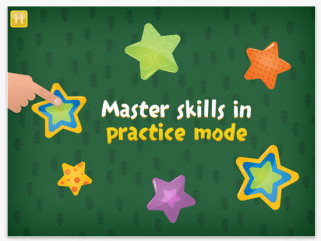
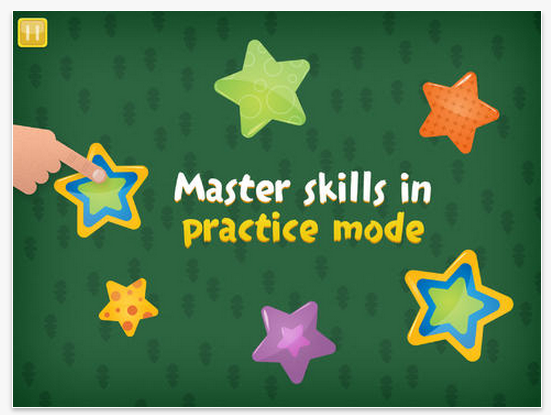
A practice mode is provided for students to learn how to play the game. Difficulty of matching does increase somewhat in quantity and complexity of objects, but remains appropriate for preschool aged players. Speed of responses is timed and displayed at the end, but, speed is not increased as you progress in the games.

No instructions are given for the game. The practice mode is sufficient for young player to successfully play Match Blitz!. Although a simple game and app, Match Blitz! is a quality app that is engaging for preschool to early elementary aged children. Well worth the download to your device.

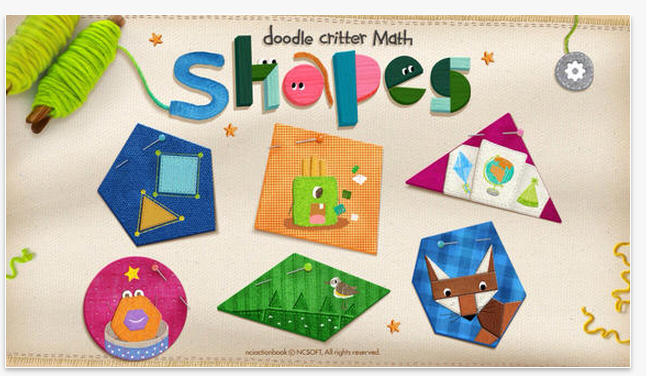
Doodle Critter Math Shapes iconDoodle Critter Math: Shapes  (2.99; iPhone/iPad) provides a variety of visual perceptual and visual motor activities within one app. Created by NCSOFT, creator of Injini and Write My Name apps, Doodle Critter Math  focusing on early math skills of learning shapes, matching shapes, finding shapes and sorting shapes. Six different activities are offered in this app.
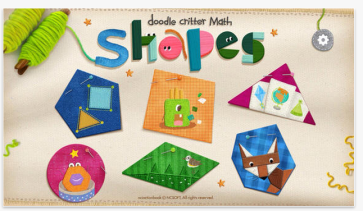
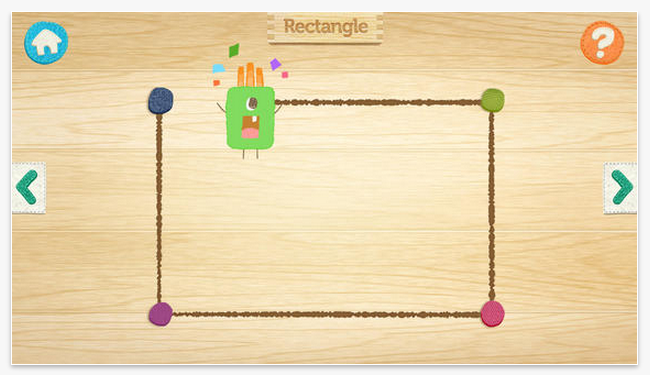
Doodle Critter Math Shapes pic1

Learn shapes, describes and draws out shapes.
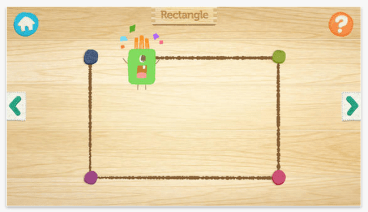
Doodle Critter Math shapes pic2

Remember shapes presents and then hides shapes to be found by the user.

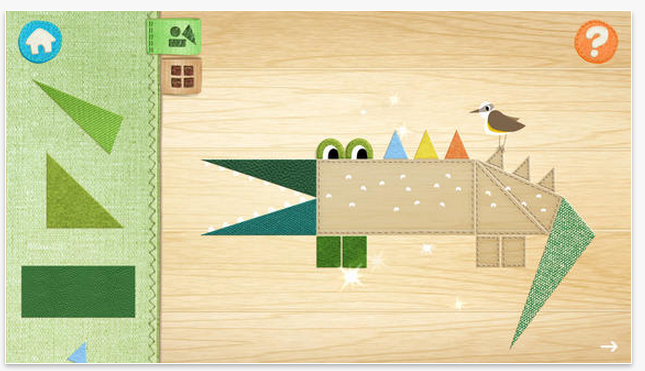
Doodle Critter Math Shapes pic3

Drag the shapes to complete the puzzle, provides shape matching to complete the picture.

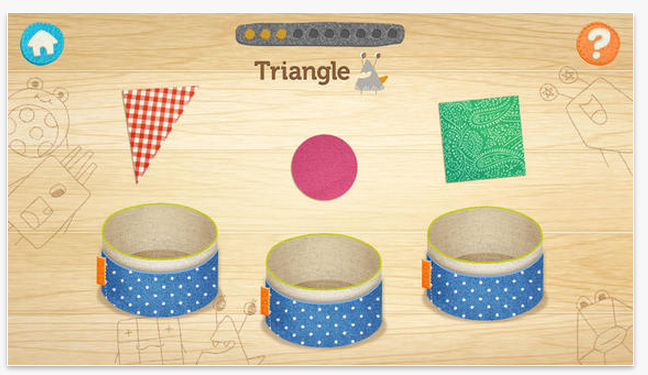
Doodle Critter Math Shapes pic4

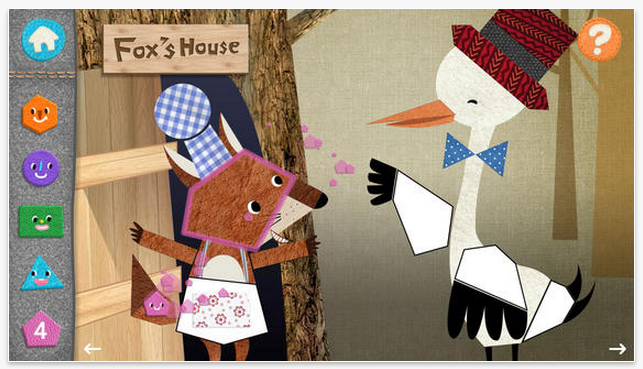
Find shapes in the fable, focuses more on individual shapes, recognizing shape names and matching.
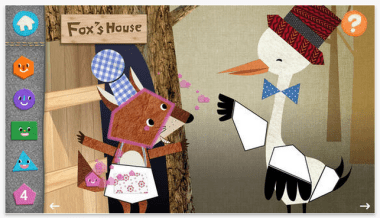
Doodle Critter Math shapes pic5

Doodle Critter Math: Shapes is engaging and offers language and text in most activities provided. Although it is suggested for preschool students, it appears suited early elementary students due to the language content, skills levels randomly presented and a somewhat fast pace of some activities. In a few activities,  the skill of the task was in a random order rather than a developmental sequence. Identifying hexagon or pentagon shapes was presented at the beginning of a new activity rather than presenting circles, squares in a developmental order. The matching shapes activity required identification of 8 to 13 (or more) shapes to complete a picture puzzle, which would be considered complex for many special needs preschool students. Doodle Critter Math: Shapes is a quality app, but may be best suited to more neurotypical students or for kindergarten or elementary level students with basic shape recognition (circle, square) who would benefit from advancing their skills.

Options offered the setting include music sound levels, turning effects on/off and languages offered (English or Korean). If you are in need of reinforcing shape identification with language, Doodle Critter Math: Shapes would be appropriate. This app might be frustrating for students who need tasks offered in a developmental sequence to be successful.

Both apps have their merits. What ages would you use these apps with? Are these apps that you will download for your teaching, parent or OT mTool Kit?

Interested in practical review of apps for visual perceptual development of your child or student?

Come to the OT’s with Apps Workshop this August – we’ll be reviewing visual perceptual and visual motor apps (and many other apps for OT!) along features and practical ways to use your iPad in therapy!

Join us August 11 & 12 for two days of OT’s with Apps @ School. If you need more information you’ll find it here:

OT’s with Apps @School Workshop Brochure

OT’s with Apps Registration Information

Have questions about OT’s with Apps August Workshop?  Contact me at otswithapps@gmail.com

Carol



Posted in App Reviews, Apps for OT's, Apps for Special Needs, Early Childhood, iPad, iPhone, iPod, Primary Grades, Visual Perception | Tagged , , , , , , | Leave a comment