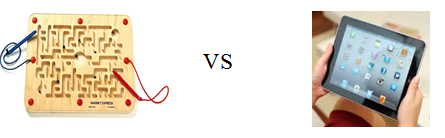
Magnetic Hands on Mazes versus Mazes on the iPad
Maze activities have been a fun visual motor, fine motor coordination and spatial reasoning task for students. I especially enjoyed (and so did the kids!) the magnetic maze activities we used with students on 1:1 or as provided in play centers in early childhood, Pre-K or kindergarten as a visual motor activity.

Anatex Magnetic Maze – Circle Express
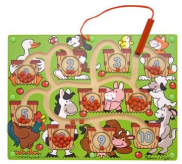
Melissa & Doug Magnetic Number Maze
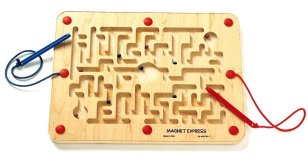
Anatex Magnet Express
Add a grasp to the magnetic pencil and some positioning for students and reinforcement of OT goals could be accomplished. They are also contained providing easy management in the classroom.
Using them as a labyrinth without a pencil or stylus (holding and moving the ball to the designated goal) also adds a motor planning and bilateral coordination demand to the task, more appropriate for primary aged students. One draw back however is having a variety of levels available, however, the task can certainly be graded with postural control demands with positions, eg. sitting at a table, sitting on a ball without support, standing, kneeling, etc.
What about similar activities on the iPad?
There appears to be (or maybe I am just becoming aware of them…) more apps that use the accelerometer and gyroscope capabilities which allows the iPad to sense speed and movement. These features can allow the sensing of movements made with the iPad and provide the tools needed for labyrinth activities. Here is one of a number of iPad apps that uses those features and might provide a motor planning and bilateral demand as appropriate for your students:
 Mazes Touch app for iPad /iPhone (free with ads; OS requirements: OS 4.2 or later.) allows users to either tilt the iPad or use a finger or stylus to move the target to the maze exit. This app uses the gyroscope and accelerometer features of the iPad, different from other typical visual motor, follow-in-the-lines kinda app or task.
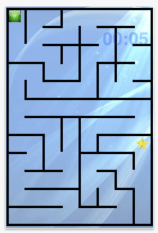
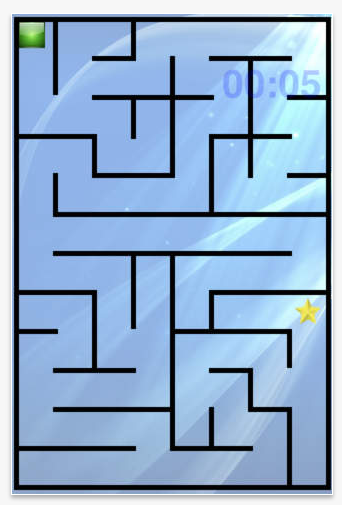
Example of small mazes
Mazes Touch app provides a timer that times how long it takes you, not a count down timer that can cause anxiety about finishing the task.
Three levels of mazes (Small, Medium and Large) are available in the app, with small mazes being the easiest.

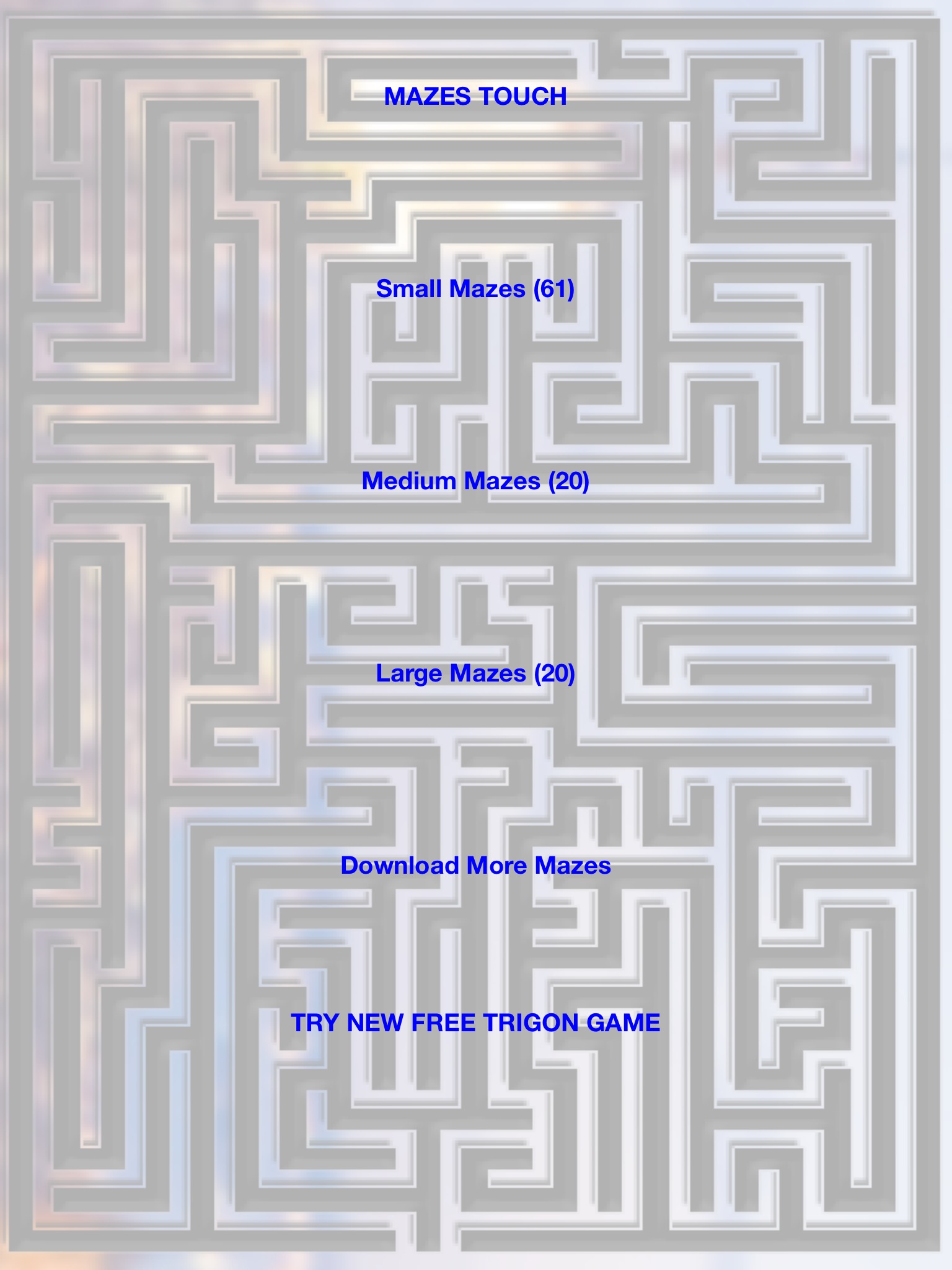
Examples of medium and large mazes .
This free app provides 61 small mazes, 20 medium mazes and 20 large mazes with initial download. Selecting the “Download More Mazes” link, provided another 30 mazes, 10 more of each level – plenty of mazes to keep the user practicing with increasing levels of challenge.
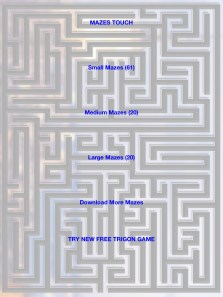
Touch Maze app provides a labyrinth type of challenge for primary aged students with intermediate visual motor skills.
Pros and Cons of hands on board magnet mazes versus iPad Maze Activites:
Board magnet mazes
Pros:
- Contained, easy to administer to students
- Students can use at any time
- Students can practice repeatedly
- Visual motor activity
- Motor planning activity
Cons:
- One level of activity
- Table top activity
- No assessment data or information supplied
iPad Maze App
Pros:
- Modify levels of use with 1:1 administration/supervision
- Visual motor activity
- Motor planning activity
- Bilateral motor control activity
- Assessment data can be collected using completion time
- Easy to access with iPad
Cons:
- Only used with administration/supervision or 1:1
- Safety of use
- Requires student to stay within app to complete (or use Guided Access)
What other pros or cons do you see? What has been your experience?
An additional thought. This type of app would be great with academic activities embedded as a goal to identify numbers, letters, math problems, phonics or other common core tasks while working on visual motor or bilateral skills. Perhaps there is an app out there like that ? Any one familiar with one?
More for your OT mTool Kit.
Carol



















 Android Screenshots go to your Gallery.


 OT's with Apps & Technology